Support
Steps to connect a Trendyol account
Kennisbank
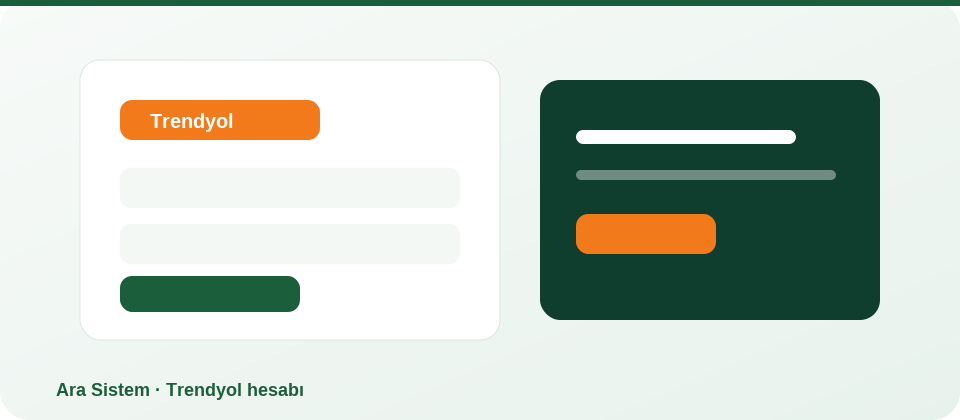
To connect your Trendyol seller account you take the API details from the Trendyol Seller Panel and register them as an account in the panel. After that, publishing, stock-price updates and orders flow automatically.
Step 1: Get the API details from Trendyol
- Open Trendyol Seller Panel › Account information › Integration information.
- Copy the Supplier ID, API Key and API Secret.
- You may select "Ara Sistem" as the integration reference; it is optional.
Step 2: Add the account in the panel
- Marketplaces › Add account › Trendyol.
- Enter Supplier ID, API Key and Secret; click "Authorisation test".
- If the test passes the account becomes "Active". A 401/403 error means the key is wrong or not authorised.
Step 3: Mapping and publishing
- Do the category mapping; complete Trendyol's mandatory attributes (brand, barcode, VAT, carrier, volumetric weight).
- If your brand is not in Trendyol's brand list, apply to Trendyol for the brand first.
- Publish a trial batch and follow approval in the "Publish status" column.
Good to know
- Deleting the account breaks the mappings of published products; prefer deactivating.
- If the package's Trendyol account quota is full, no new account can be added; upgrade or deactivate an old account.
- Trendyol may rate-limit bulk stock pushes; the queue slows down automatically, just wait.
Related: Category mapping and publishing products, Authorisation errors.
Was dit artikel nuttig?
Gerelateerde artikelen
What does the marketplace module provide?
The marketplace module connects your Trendyol, Hepsiburada, n11, Çiçeksepeti, PTT AVM and Amazon...
Category mapping and product publishing
To send a product to a marketplace, your panel category must be mapped to a marketplace category...
Stock and price updates on marketplaces
Stock and price are the most used functions of Ara Sistem: you update once and the panel forwards...
Package limits and multiple accounts
Marketplace accounts are quota-limited per package: each marketplace has its own upper limit....
Connect an Amazon account (Amazon.com.tr)
You connect your Amazon.com.tr seller account through Amazon's Selling Partner API (SP-API)...

