Support
Job queue and batch results
Knowledgebase
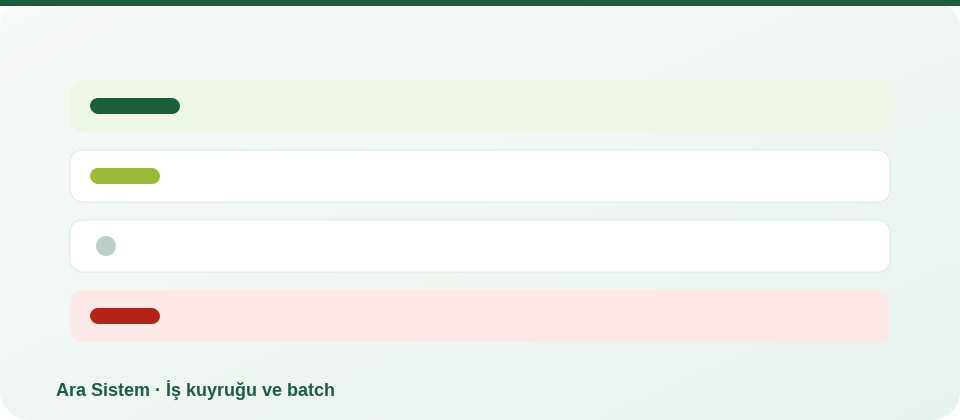
Every channel operation you trigger in the panel (publish, stock, price, order fetch) becomes a job in the queue and runs in the background. Operations › Job queue shows the status and results of those jobs.
Job statuses
- Waiting: In line; may wait a few minutes when busy.
- Running: Being processed right now.
- Completed: Successful. The result row shows how many records were sent.
- Partial: Some records failed; the details list which product was rejected and why.
- Failed: The whole job failed; usually a permission (401/403) or connection problem.
Reading batch results
Bulk jobs produce one row per product. A "Rejected" row shows the marketplace's message verbatim: missing barcode, no category mapping, price below the floor, and so on. Fix the product and use "Re-queue" to send it again; there is no need to restart the whole job.
Tips
- Filter on "Failed" and "Partial" and check once a day.
- If the same error repeats on many products, the root cause is usually mapping or permissions; fix that first.
- If the queue stays "Waiting" for a long time, a marketplace rate limit may be active: Rate limits and queue congestion.
Was this article helpful?
Related articles
How do I sign in to my panel for the first time?
Once setup completes you sign in to the panel for the first time through My Account. The sign-in...
What does the panel short name (slug) mean?
The panel short name (slug) is the part of your panel's web address that belongs to you:...
Core screens and recommended workflow
The panel gathers your daily e-commerce operation into five main screens. The recommended...
Users, password and security settings
Your panel stores store API keys and marketplace credentials, so we recommend tightening user...
What if panel access is restricted?
When panel access is restricted you see a notice on the sign-in screen or in the panel's top bar....

