Podrška
Core screens and recommended workflow
Baza znanja
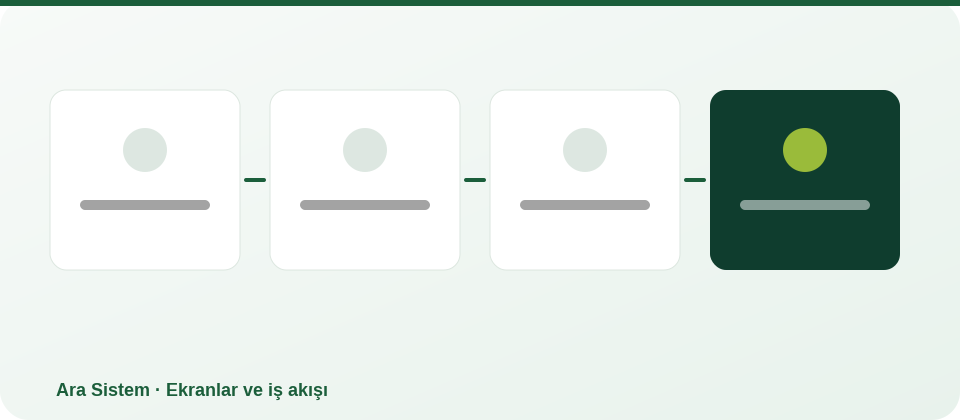
The panel gathers your daily e-commerce operation into five main screens. The recommended workflow runs left to right: Stores › Products › Marketplaces › Orders › Reports.
Main screens
- Stores: Connected stores, module version, last sync time, import and push settings.
- Products: The central catalog. Products, combinations (variants), images, categories and attributes; per-store price and stock differences.
- Marketplaces: Accounts, category and attribute mapping, publish status, marketplace orders.
- Orders: Orders from all channels in one list; status updates, shipping and invoicing.
- Operations: Job queue, bulk operations, sync logs.
Daily routine
- Morning: process new orders on the Orders screen and create shipping labels.
- During the day: make stock and price changes on the Products screen; the panel pushes them to the channels.
- Evening: review failed jobs under Operations › Job queue and re-queue if needed.
Tips
- Save list filters and return to frequent views with one click.
- Test bulk operations on a small selection first.
- The Reports screen gives channel-based sales and profit/loss summaries.
Je li ovaj članak bio koristan?
Povezani članci
How do I sign in to my panel for the first time?
Once setup completes you sign in to the panel for the first time through My Account. The sign-in...
What does the panel short name (slug) mean?
The panel short name (slug) is the part of your panel's web address that belongs to you:...
Users, password and security settings
Your panel stores store API keys and marketplace credentials, so we recommend tightening user...
What if panel access is restricted?
When panel access is restricted you see a notice on the sign-in screen or in the panel's top bar....
Job queue and batch results
Every channel operation you trigger in the panel (publish, stock, price, order fetch) becomes a...

