Support
First-day checklist
Knowledgebase
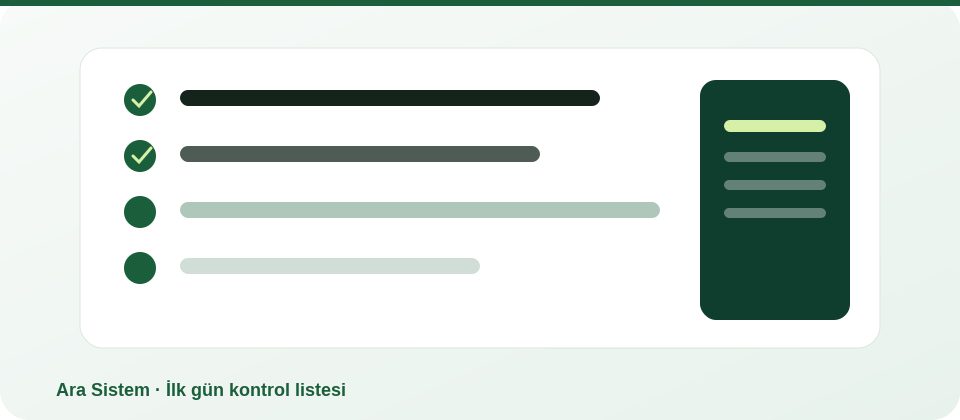
This is the order we recommend for the first day after your panel is installed. Follow it and your first products are live on a marketplace within a few hours.
1. Sign in and secure the panel
- Enter the panel from My Account › My Panels and change the temporary password immediately.
- Create separate users for your team members; do not share one password.
2. Connect your store
- Install the module on PrestaShop, OpenCart or WooCommerce; for ikas, Ticimax, T-Soft and IdeaSoft enter the API details.
- After the connection test passes, start the product import. The first import takes a few minutes depending on catalog size.
3. Connect a marketplace account
- Get the API keys from the Trendyol, Hepsiburada or n11 seller panel and enter them.
- Complete category mapping and the mandatory attributes (brand, barcode, VAT, shipping).
4. First publish and checks
- Publish a handful of products first and watch the result in the job queue.
- Confirm that stock and price reached the marketplace correctly, then publish in bulk.
- Enable order sync and confirm that a test order lands in the panel.
Related: Connecting PrestaShop, Connecting Trendyol, Category mapping.
Was this article helpful?
Related articles
What is Ara Sistem and what does it do?
Ara Sistem is a cloud-based central management software that lets you run your e-commerce store...
How do I choose a package and place an order?
To start with Ara Sistem you choose the package that fits, then complete the order and payment...
What happens after payment during setup?
As soon as your payment is confirmed, Ara Sistem installs your tenant panel automatically. There...
What can I manage from My Account?
My Account is your client area on arasistem.com. It is separate from your tenant panel: you run...
Using support and the knowledgebase
When you run into a problem, the fastest answer is usually in the knowledgebase. If you cannot...

