Support
Amazon, n11 or Hepsiburada auth errors
Knowledgebase
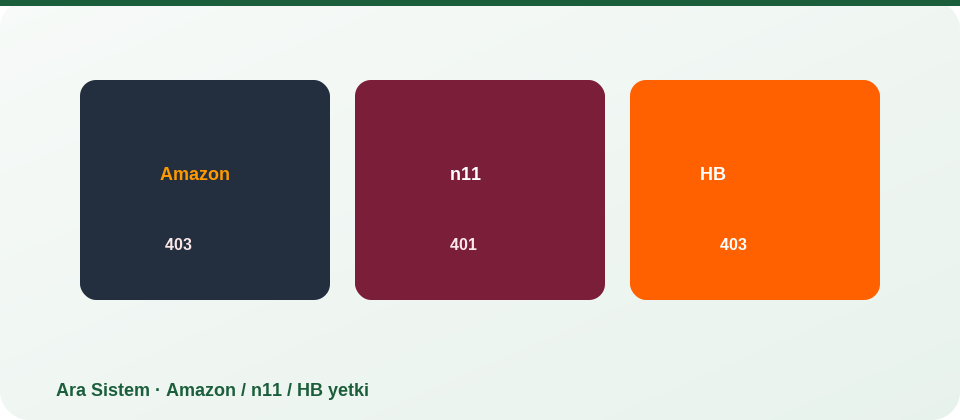
A 401 or 403 error on marketplace jobs means the marketplace rejected the panel's request: the key is wrong, expired, or the account's permission is restricted. The fix is almost always in the marketplace seller panel.
Amazon
- The SP-API authorisation may have expired; open the account in the panel and use "Re-authorise on Amazon".
- In Seller Central › Manage your apps confirm the Ara Sistem application shows as "Authorised".
- If the account is "inactive" or "under review", Amazon rejects API requests.
n11
- If the API Key / Secret pair was regenerated, the old key is invalid; get the current pair from Seller Office and enter it in the panel.
- n11 API access must be requested; new stores may not have it enabled yet.
Hepsiburada
- If the API user password changed, update it in the panel.
- Check that the Merchant ID belongs to the right store; it gets mixed up for sellers with several stores.
- If "integrator permission" was switched off on the Hepsiburada side, enable it in the Merchant Panel.
Trendyol
- If the API Key/Secret was renewed under Seller Panel › Integration information, enter the new values in the panel.
- Make sure the Supplier ID and the key belong to the same account.
After fixing
Run the "Authorisation test" on the account card in the panel; if it passes, repeat the failed jobs with "Re-queue". If the test passes but 403 persists, the account's permission scope on the marketplace (orders, products, stock) is incomplete; grant full permission from the seller panel.
Was this article helpful?
Related articles
Setup stays on “pending”
If your service shows "Setup pending" under My Account › My Panels, setup has not started yet or...
I cannot sign in to the panel
If you cannot sign in to the panel, the cause is usually the password, the account status or the...
Store connection fails
The "Connection test failed" warning means the panel cannot reach your store or the module does...
Marketplace publish or stock errors
When a marketplace publish or stock push fails, the job queue row shows the marketplace's message...
How do I open a support ticket?
For questions the knowledgebase does not answer you open a support ticket. A well-prepared ticket...

