Supporto
What happens after payment during setup?
Knowledge base
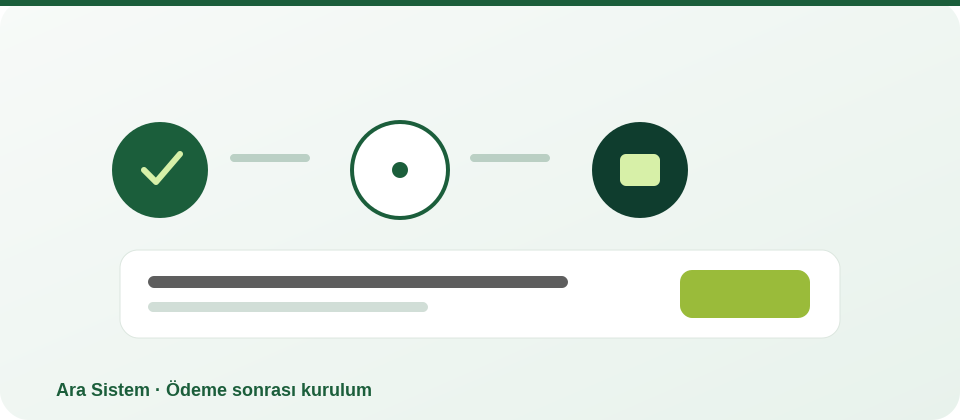
As soon as your payment is confirmed, Ara Sistem installs your tenant panel automatically. There is nothing to do by hand; setup typically completes within a minute or two.
What happens during setup?
- A panel short name (slug) is generated from your company name, for example
yourcompany.arasistem.com. - The subdomain, SSL certificate and a dedicated database are created.
- The current panel release is installed and your package limits (stores, marketplaces, products, import quota) are written into the panel.
- Your administrator user is created; sign-in details appear under My Account › My Panels and in your e-mail.
Where do I follow the status?
Under My Account › My Panels the service shows "Installing", "Active" or "Pending". If you paid by bank transfer, the status stays "Pending" until the receipt is approved.
If setup is delayed
- For card payments wait a few minutes and refresh the page.
- For bank transfers make sure the invoice number is in the transfer description; approvals happen during business hours.
- If "Installing" lasts longer than 15 minutes, open a support ticket; the team completes the setup manually.
Related: Setup is shown as pending, First sign-in.
Questo articolo ti è stato utile?
Articoli correlati
What is Ara Sistem and what does it do?
Ara Sistem is a cloud-based central management software that lets you run your e-commerce store...
How do I choose a package and place an order?
To start with Ara Sistem you choose the package that fits, then complete the order and payment...
What can I manage from My Account?
My Account is your client area on arasistem.com. It is separate from your tenant panel: you run...
Using support and the knowledgebase
When you run into a problem, the fastest answer is usually in the knowledgebase. If you cannot...
Package limits: store and marketplace entitlements
Every Ara Sistem package carries entitlements that define what your panel can connect and how...

